The same Microsoft 365 you'd buy direct, with a guided setup, DNS that configures itself, and a self-serve move if you're already on Microsoft 365. All on one bill with your hosting and domains.
Paying Microsoft or GoDaddy today? The self-serve wizard moves your billing to Squish without touching your mailboxes. Same logins, same data, zero downtime.
For larger organizations, regulated industries, and customers who need products beyond what's listed above. We'll quote per seat with volume pricing.
50+ seats: volume pricing on any tier
Microsoft 365 E3 or E5: compliance, DLP, Defender for Endpoint
Migration from Google Workspace or another non-Microsoft provider
Multi-domain or multi-tenant setups
Bundled SSO + Intune + Defender for Office across users
Visio Plan 2, Power Automate Premium, or other Microsoft products not on this page
Included
Everything around the license.
Your email is powered by Microsoft. Your experience is powered by Squish.
Email authentication, handled
With your domain on Squish, MX, SPF and DMARC are configured automatically and DKIM signing is one guided step. No DNS knowledge required.
One admin dashboard
Plan, seats, setup progress, add-ons, DKIM and your Microsoft admin sign-in, all in Squish. Add and remove users there too, each with their own sign-in details.
SSO on Business Premium
Single sign-on to Salesforce, Slack, HubSpot and thousands more, with Entra ID P1 included in the plan.
Compliance ready
Microsoft 365 supports GDPR, HIPAA and SOC 2 workflows when properly configured. eDiscovery, DLP and audit logs come with Microsoft 365 E3, quoted on request.
Help that knows your account
Ask the Squish assistant any time, from any page. It checks your plan, DNS and email authentication on the spot, and anything it can't sort out becomes a case you follow from your dashboard.
Authorized Microsoft partner
Squish is an authorized Microsoft 365 reseller. Your licenses come straight from Microsoft's cloud: same reliability, better experience.
Working toward SOC 2 Type 1
Most of the control set is in place, self-attested until an auditor signs off. Your mail sits on Microsoft's SOC 2 Type 2-attested infrastructure.
No lock-in
Your Microsoft 365 account belongs to you. If you ever leave, it goes with you and you can buy licenses wherever you like.
Transparent billing
Per-user pricing, monthly or prepaid yearly. No hidden fees, no surprise overages. Monthly plans have no contract and scale up or down anytime.
Setup
From checkout to inbox.
Every plan takes the same road, and most of it runs on its own.
Plan
Pick plan and users
A plan, a billing term, how many users, and any add-ons.
you
Pay
Check out
One bill with your hosting and domains. Monthly plans cancel anytime.
you
Details
Send the setup form
About two minutes: your domain and the admin details for your Microsoft 365 account.
you
DNS
Records set for you
Domain on Squish? MX, SPF and DMARC are added automatically, and DKIM is one guided step.
automatic
Live
Mailboxes ready
Usually 5–30 minutes after you send the form. Follow the progress from your dashboard.
automatic
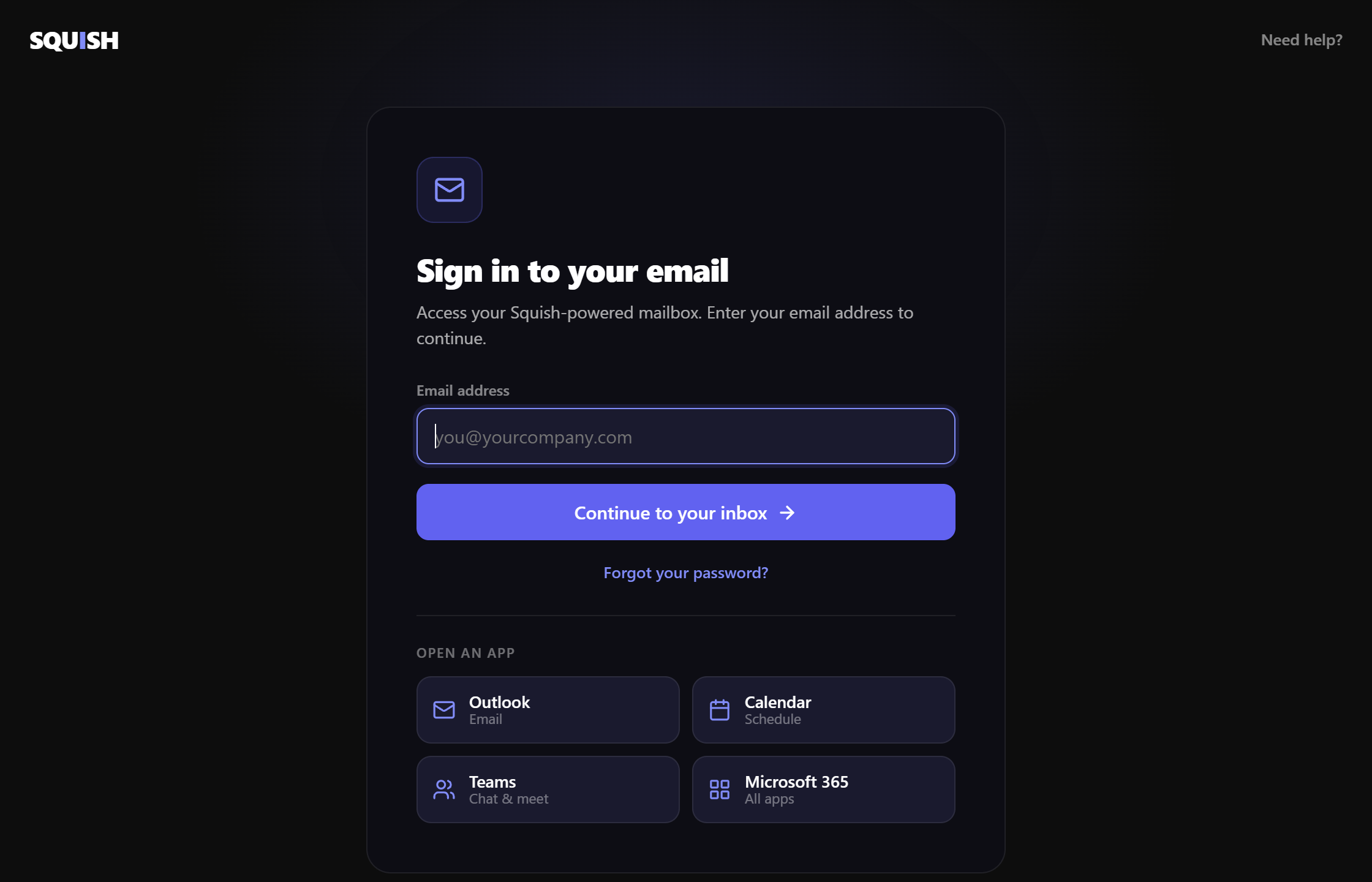
Then your team signs in at email.squish.co
Sign-in
One address your team can actually remember
Your people go to email.squish.co instead of hunting for the right Microsoft login. They type their address and land in the inbox. The password goes straight to Microsoft and never touches Squish.
Included on every email plan, nothing to configure.
Shortcuts straight into Outlook, Calendar, Teams and Microsoft 365.
Forgot-password goes to Microsoft's own reset flow.
We never see the password. The address is forwarded as a login hint.
Comparison
What you get with Squish
The same Microsoft 365 licenses, with the busywork automated: setup is guided, DNS configures itself, and help is built into your dashboard. Microsoft direct is roughly $1–3/mo less per seat; what you're paying us for is everything around the license.
Feature
Squish
Direct Microsoft
Automatic Email Auth (SPF, DMARC + guided DKIM)
✕ No
Self-Serve Move-In (existing Microsoft 365)
✕ No
One Bill (email + hosting + domain)
✕ No
Help That Knows Your Email, Domain & Hosting
✕ No
Single Admin Dashboard
✕ No
Compliance Tools (eDiscovery, DLP)
Teams tier+
E3+
Get started
Ready for professional email?
Microsoft 365 email with automatic DNS, a self-serve move-in, and help that knows your account. Starting at $6/mo.
Is Microsoft 365 cheaper if I buy direct from Microsoft?
For some tiers, yes, and we tell you when it is. Squish makes sense when you want guided setup, DNS that configures itself, and help that knows your account, all on one bill with your hosting and domains. License-only resale isn't where we compete; everything around the license is.
How do I migrate from Google Workspace to Microsoft 365?
Moving to Microsoft 365 from Google Workspace, Gmail, or another provider isn't a self-serve move yet. Open a case from the Help Center with what you have today (how many mailboxes, roughly how much mail) and you'll get a straight answer on what's involved and how long it takes before you commit. If you're already on Microsoft 365 (paying Microsoft directly or through GoDaddy), the self-serve wizard at squish.co/migrate-email moves the billing relationship to Squish without touching your mailboxes. Same logins, same data, zero downtime.
What's the difference between Business Basic, Standard, and Premium?
Business Basic gets you Teams plus web Office apps. Standard adds desktop Word, Excel, PowerPoint, and Outlook. Premium adds enterprise security (Defender for Business, Intune device management, Entra ID SSO with Conditional Access). Most teams settle on Standard; regulated industries usually want Premium.
Can I add Microsoft Teams Phone?
Yes. Teams Phone Standard is an add-on for any plan that includes Teams (Business Basic and up). Add it with your plan or later from your dashboard, then assign it to the people who need it. Teams Phone is the phone system itself: Squish doesn't sell phone numbers or calling plans, so those come from Microsoft or your phone carrier. Auto-attendants and call queues are set up in the Teams admin center, where you're the admin.
What happens to my domain's MX records when I sign up?
If your domain is registered on Squish, setup adds your MX, SPF and autodiscover records automatically as soon as Microsoft confirms you own the domain. There's no cutover window to book: from then on, new mail lands in Microsoft 365 instead of wherever it went before. Moving an existing Microsoft 365 account over with the self-serve wizard doesn't change your MX records at all, so mail keeps flowing exactly as it does today.
Prepaid 12 months. Renews at $108/yr unless cancelled.
After checkout, a short setup form (about 2 minutes) collects your domain and admin details. Your mailboxes are usually ready 5–30 minutes after you send it.